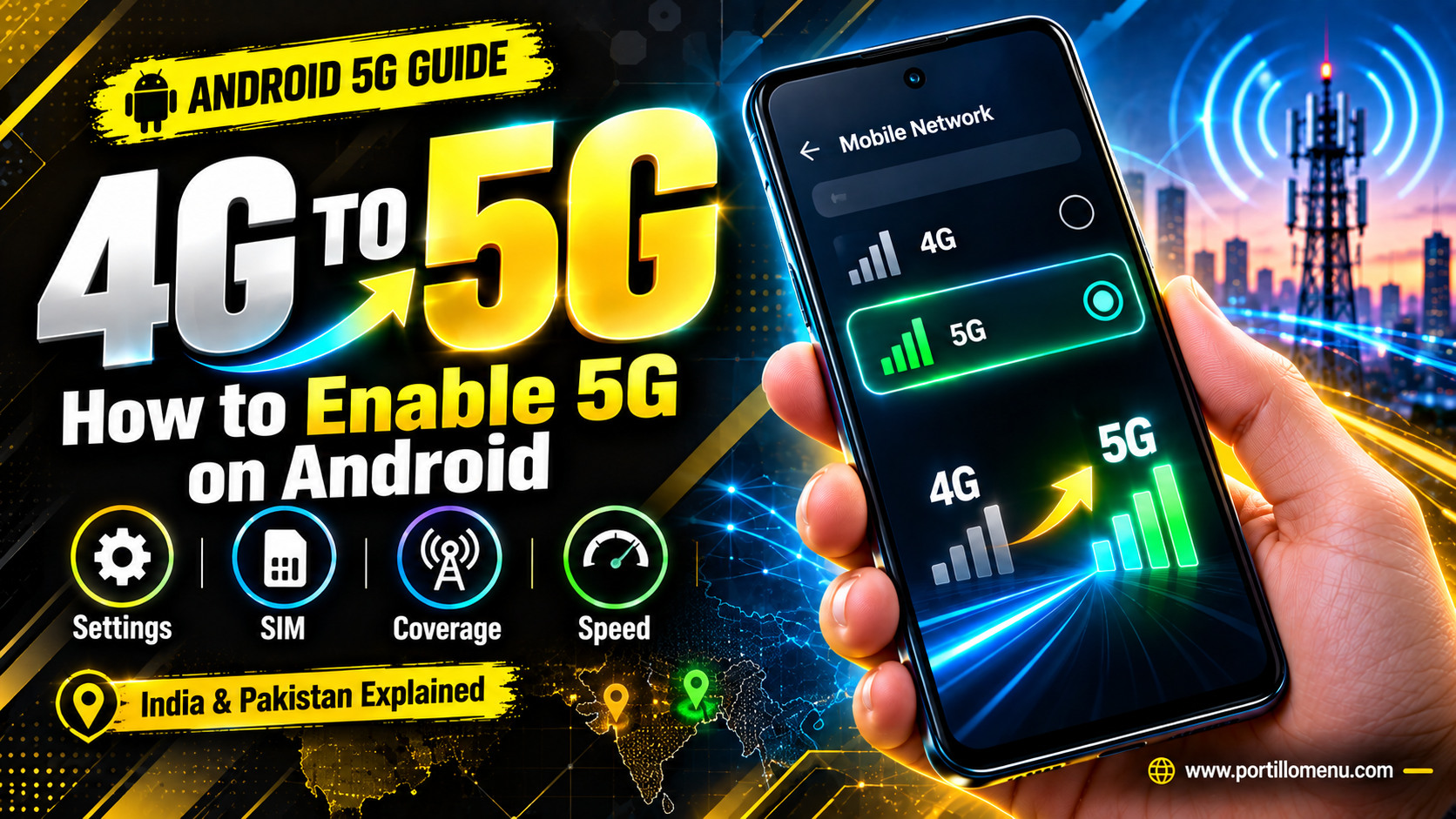
Switching from 4G to 5G on an Android phone is usually just a settings change, not a new SIM or a new plan. The catch is that it only works if three things line up at once: your phone supports 5G, your operator has 5G coverage where you are, and your SIM or plan is enabled for it. This guide walks through the actual settings, why 5G sometimes refuses to show up even after you enable it, and what the current rollout looks like in India and Pakistan specifically.
What You'll Need Before 5G Works on Your Phone
Before changing any settings, it's worth confirming a few basics first. Missing any one of these is the most common reason 5G doesn't appear at all.
- A 5G-capable phone. Not every Android phone released in the last few years supports 5G, especially budget models. Check your phone's specification sheet or the box it came in.
- 5G coverage in your area. 5G towers are still expanding in many regions, and coverage can vary block by block in a city, not just city by city.
- A SIM and plan that support 5G. Most carriers turn on 5G automatically for an existing 4G SIM, though some still ask for a SIM replacement or a particular data plan.
- The latest software update. Carriers sometimes push 5G support through a software or carrier settings update rather than having it available from day one.
4G vs 5G at a Glance
| Feature | 4G LTE | 5G |
|---|---|---|
| Typical download speed | Tens to a few hundred Mbps | Several hundred Mbps to over a Gbps, coverage dependent |
| Typical latency | Around 30–50 milliseconds | Often under 10 milliseconds on a strong signal |
| Best suited for | Everyday browsing, video calls, streaming | Large downloads, cloud gaming, high-quality live streaming |
| Battery impact | Generally lower | Can be higher on a weak or fluctuating signal |
These figures vary a lot by operator, location, and whether the network uses standalone or non-standalone 5G, so treat them as a general comparison rather than a guarantee for your exact location.
How to Switch from 4G to 5G on Android
The menu names vary a little between Samsung, Xiaomi, Pixel, OnePlus, and other brands, but the setting itself lives in the same general place.
- Open the Settings app.
- Tap Network & internet, or Connections on some Samsung phones.
- Tap SIMs, Mobile network, or SIM card and mobile network, depending on your device.
- If you have two SIMs, select the one you want to change.
- Tap Preferred network type, or Network mode on some brands.
- Choose 5G, or 5G/LTE/3G/2G (auto), which lets the phone pick the fastest available network on its own.
On most phones, selecting the automatic option that includes 5G is enough. According to Google's own mobile network support documentation, this "Preferred network type" setting is what controls whether your phone can use 5G at all. Manually forcing 5G only is rarely necessary and can actually cause more dropped connections when you leave a 5G coverage area, since the phone won't automatically fall back to 4G.
Why Your Phone Might Still Show 4G After You Enable 5G
Turning on the setting doesn't guarantee an instant switch. A handful of common causes explain that gap.
- You're outside your operator's current 5G coverage. This is the most frequent cause, especially outside major cities.
- Your SIM or plan hasn't been activated for 5G yet, even if your phone supports it.
- The phone needs a restart after the setting change, or after inserting a new SIM.
- A pending software update is holding back full 5G support on your specific model.
- Toggling Airplane mode, or a manual APN reset, can sometimes force the phone to re-register on the network and pick up 5G it was previously missing.
If none of these fix it, contacting your operator's support line to confirm your SIM is 5G-enabled is usually the fastest way to rule out an account-side issue rather than a phone-side one.
How to Confirm Your Phone Is Actually Using 5G
Enabling the setting and actually connecting to a 5G tower are two different things, and the status bar is the quickest way to tell them apart.
- Check the network label shown beside your signal bars. A 5G, 5G+, or 5G UC icon means you're connected to a 5G network right now, not just that the setting is turned on.
- If it still shows 4G, LTE, or H+ after enabling 5G, you're either outside 5G coverage at that moment or your SIM hasn't been activated for it.
- Some phones show 5G briefly and then drop back to 4G as you move, which is normal in areas where 5G coverage is limited to specific streets or buildings rather than a whole neighborhood.
Is 5G Available in Your Country? India and Pakistan Explained
Since 5G rollout speed varies enormously by country, it's worth checking your specific market rather than assuming coverage.
In India, Jio and Airtel have both rolled out 5G extensively across major and mid-sized cities, and both networks activate 5G on your existing 4G SIM without requiring a swap. If your phone supports 5G and you're on a compatible plan, it typically switches over automatically once you're in a covered area.
Pakistan's 5G rollout is much newer. According to the Pakistan Telecommunication Authority, commercial 5G services officially launched on March 19, 2026, with Jazz and Zong first, followed shortly after by Ufone. According to the latest PTA rollout figures, coverage has expanded to 23 cities with over 1,100 active sites, concentrated in Karachi, Lahore, Islamabad, and Faisalabad, with a phased rollout continuing to smaller cities. If you're in Pakistan, check your operator's published coverage list before assuming 5G is live in your specific area, since availability still varies block by block even within covered cities.
Should You Switch to 5G? Battery and Data Considerations
5G generally means faster downloads and lower latency, which is noticeable for streaming, gaming, and large downloads. It comes with two trade-offs worth knowing about.
- Battery drain can be higher, particularly on phones searching for a weak or inconsistent 5G signal, since constantly switching between network types uses more power than staying on a stable connection.
- Data usage can climb faster simply because higher speeds make it easier to stream in higher quality or download larger files without noticing.
For most people, leaving the automatic network selection on rather than forcing 5G only strikes the right balance, since the phone falls back to 4G when 5G isn't available instead of struggling to hold a weak connection.
Frequently Asked Questions
Do I need a new SIM to use 5G?
Usually not. Most major operators in India and Pakistan activate 5G on an existing 4G SIM, though a small number of older SIMs may need replacement. Check with your operator if 5G doesn't appear after enabling the setting.
Will 5G work if my plan doesn't specifically include it?
It depends on the operator. Some plans include 5G access automatically, while others require an upgraded plan. If the setting is available but speeds don't improve, this is worth checking with your operator.
Does turning on 5G drain the battery faster?
It can, especially in areas with patchy 5G coverage where the phone keeps switching between network types. Leaving the network setting on automatic, rather than forcing 5G only, usually reduces this effect.
Can I switch back to 4G at any time?
Yes. The same Preferred network type menu lets you select LTE or 4G directly, which can help in areas with unreliable 5G or to save battery.
Is 5G available everywhere in Pakistan right now?
No. As of the PTA's most recent updates, 5G covers 23 cities with sites concentrated in major urban centers, and the rollout is continuing in phases. Smaller cities and rural areas mostly remain on 4G for now.
Why does my status bar show a 5G icon but speeds feel the same as 4G?
This usually means you're connected to a lower-capacity 5G band, or actual network load in your area is high. Some regions also use non-standalone 5G, which shares infrastructure with 4G and delivers a smaller speed jump than standalone 5G.
What's the difference between standalone and non-standalone 5G?
Standalone 5G runs on its own dedicated network core and generally delivers the full speed and latency benefits of 5G. Non-standalone 5G shares core infrastructure with the existing 4G network, which is faster to deploy for operators but usually offers a smaller improvement over 4G speeds.
Final Thoughts
Getting from 4G to 5G on Android is rarely complicated once your phone, SIM, and location actually support it; the setting itself takes seconds to change. The bigger factor is usually coverage, which is why checking your operator's current 5G map matters more than the phone settings themselves, especially in a market like Pakistan where the rollout is still expanding city by city.